The Lightest, Fastest
& Most Complete Media Player
STB+ is a standalone media player application. We do not provide, host, or promote any media content. Users are responsible for their own streams. All payments processed via Stripe are for software licensing only.
One-time payment · Lifetime licence · No subscription
STB+ contains no channels, playlists or media of any kind. It is an empty player. You supply your own Stalker portal, Xtream credentials or M3U link from a provider you already use. We have no relationship with any content provider, and we cannot help you find one.
qsmart-player.net is the only website we run. Anyone else selling STB+ — or selling content using our name — is not us.
Runs on
This is what you get
Real screens from STB+ on a television. The channels shown come from a playlist the user supplied — the app itself ships empty.
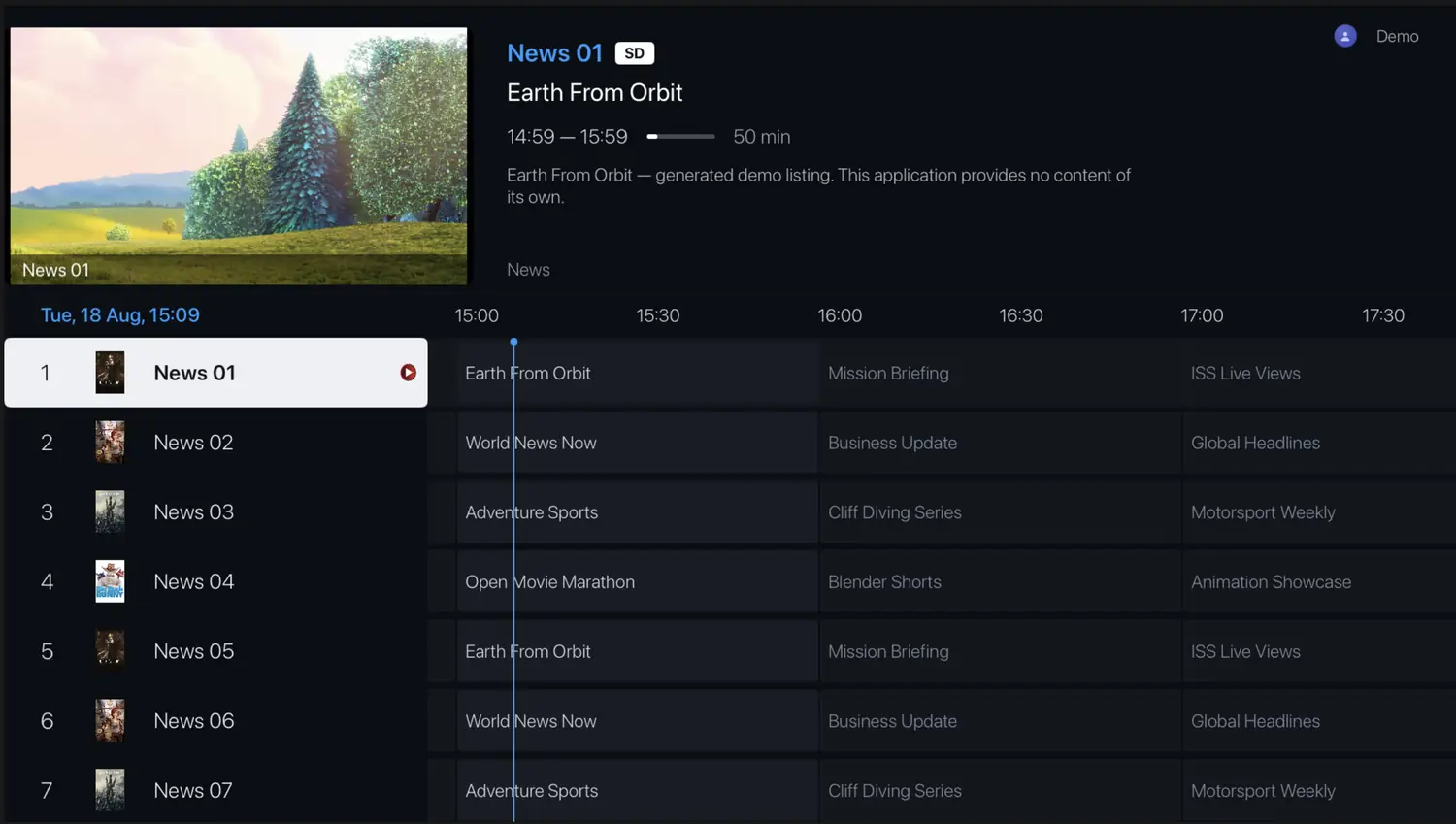
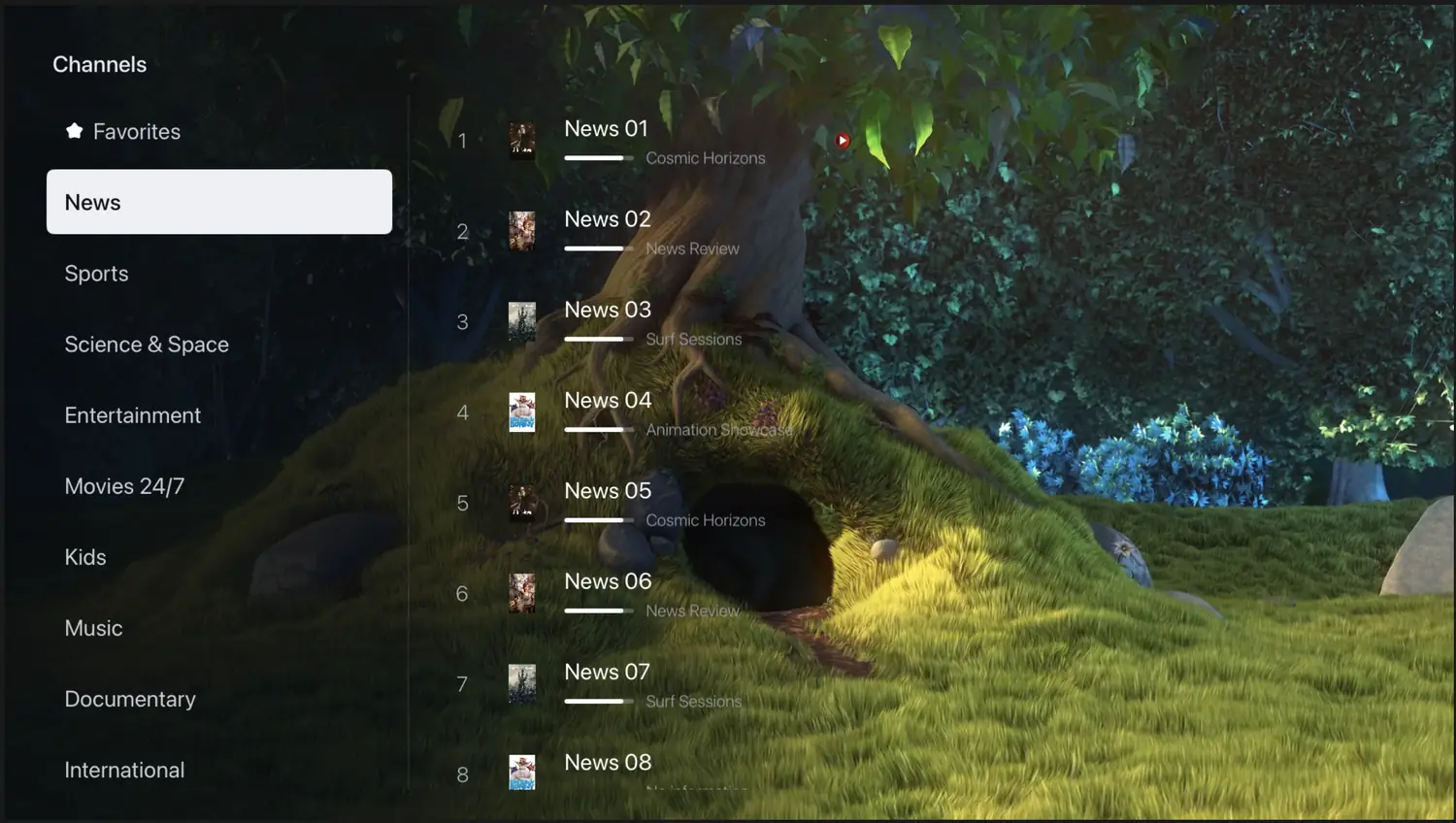
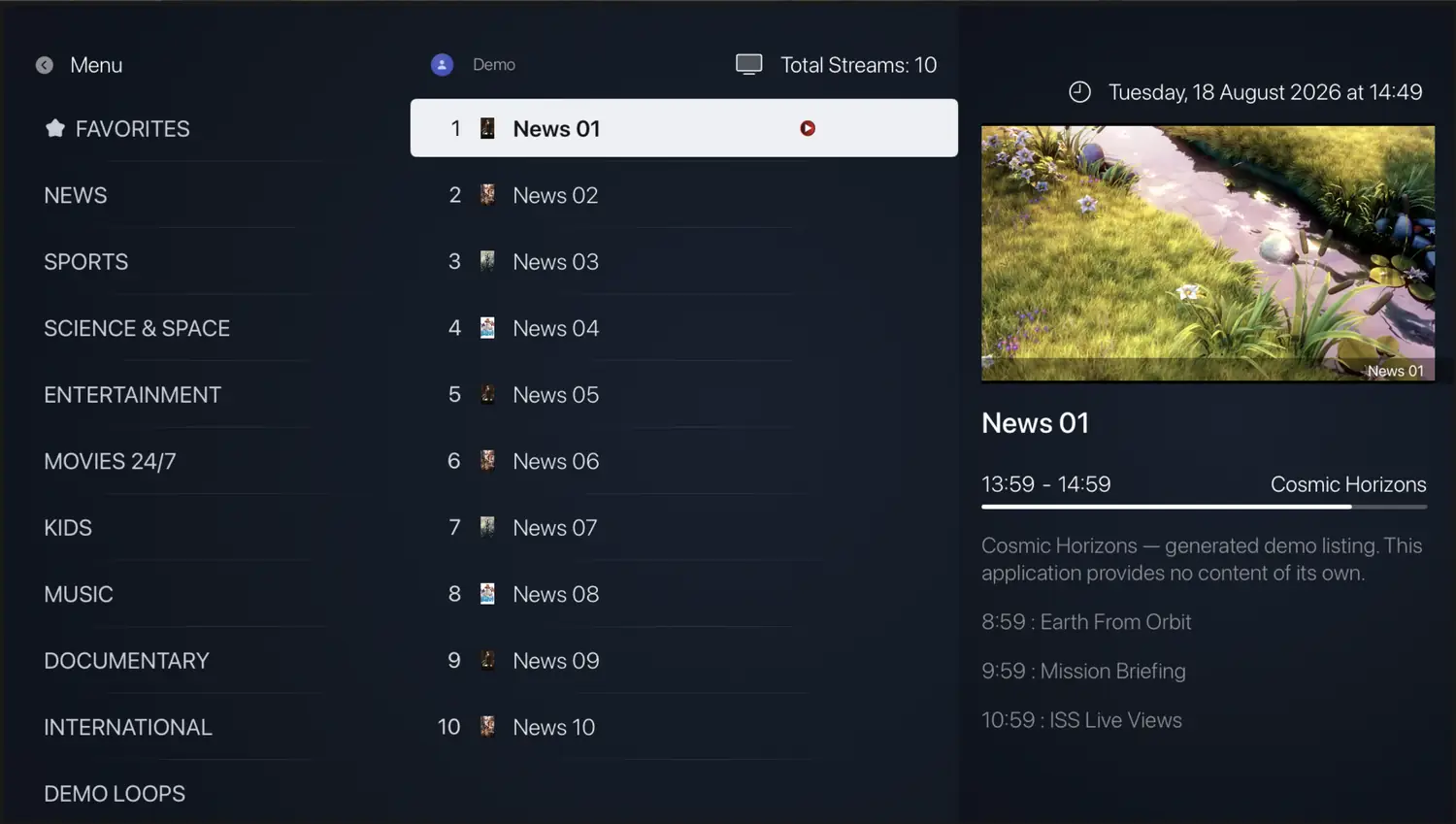
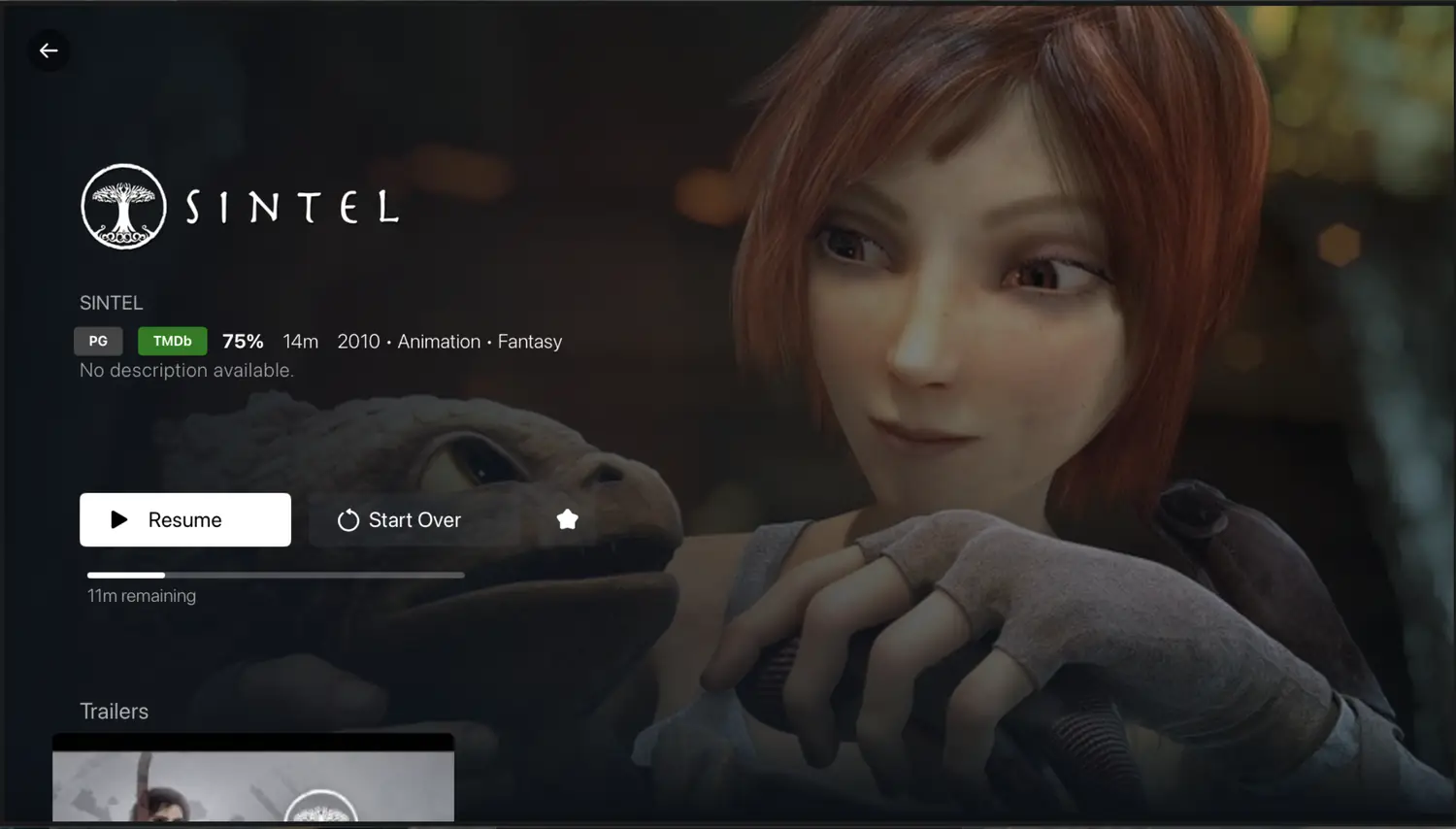
Screens show demo content and a user-supplied playlist. STB+ includes no channels, playlists or media of any kind.
A player. Nothing more.
The clearest way to explain the product is to say plainly what it does and what it will never do.
What STB+ does
- ✓ Plays streams from a portal or playlist you provide
- ✓ Emulates a MAG set-top box for Stalker portals
- ✓ Reads Xtream Codes credentials and M3U links
- ✓ Displays EPG data supplied by your own source
- ✓ Stores your playlists so your TV can load them
What STB+ does not do
- ✗ Provide, host, stream or resell any media content
- ✗ Ship with channels, playlists or portals preloaded
- ✗ Sell subscriptions to any content service
- ✗ Recommend, endorse or link to content providers
- ✗ Verify the legality of the streams you add
A real set-top box, without the box
Full Stalker portal emulation plus everything a modern player should do — on your television, phone or tablet, for the content you already have.
Stalker portal emulation
Enter the portal URL your own provider gave you. STB+ presents itself as a MAG box using your device MAC — no physical hardware needed.
Live EPG
A real-time programme guide with a full grid view, built from the EPG data your own source supplies.
Catch-up TV
Scroll back through the guide and replay programmes that already finished, where your provider offers an archive.
Instant fullscreen
Zapping doesn't reconnect. Channels change without dropping the stream and rebuilding it from scratch.
4K playback
HEVC, MKV, MP4 and more, with quality badges from SD through UHD so you know what you're getting.
Subtitles & audio tracks
SRT, VTT and embedded subtitle tracks, plus multi-language audio selection including forced and SDH variants.
Multiple profiles
Separate profiles for the household, each with its own portal, favourites and expiry — switch instantly from the home screen.
Favourites
Long-press to pin the channels you actually watch. Everything else stays out of the way.
Add playlists by QR — or one tap
Scan the code from your TV, or on a phone or tablet just tap it to open the manager on the spot. Whatever you change syncs across on its own.
Paired in under two minutes
No account, no password, nothing to remember. Your TV shows a code — that is the entire login. On a phone or tablet you just tap it, and anything you add afterwards lands on screen by itself.
Install STB+
Find it in your TV's store, or side-load the package from our downloads page.
Open it once
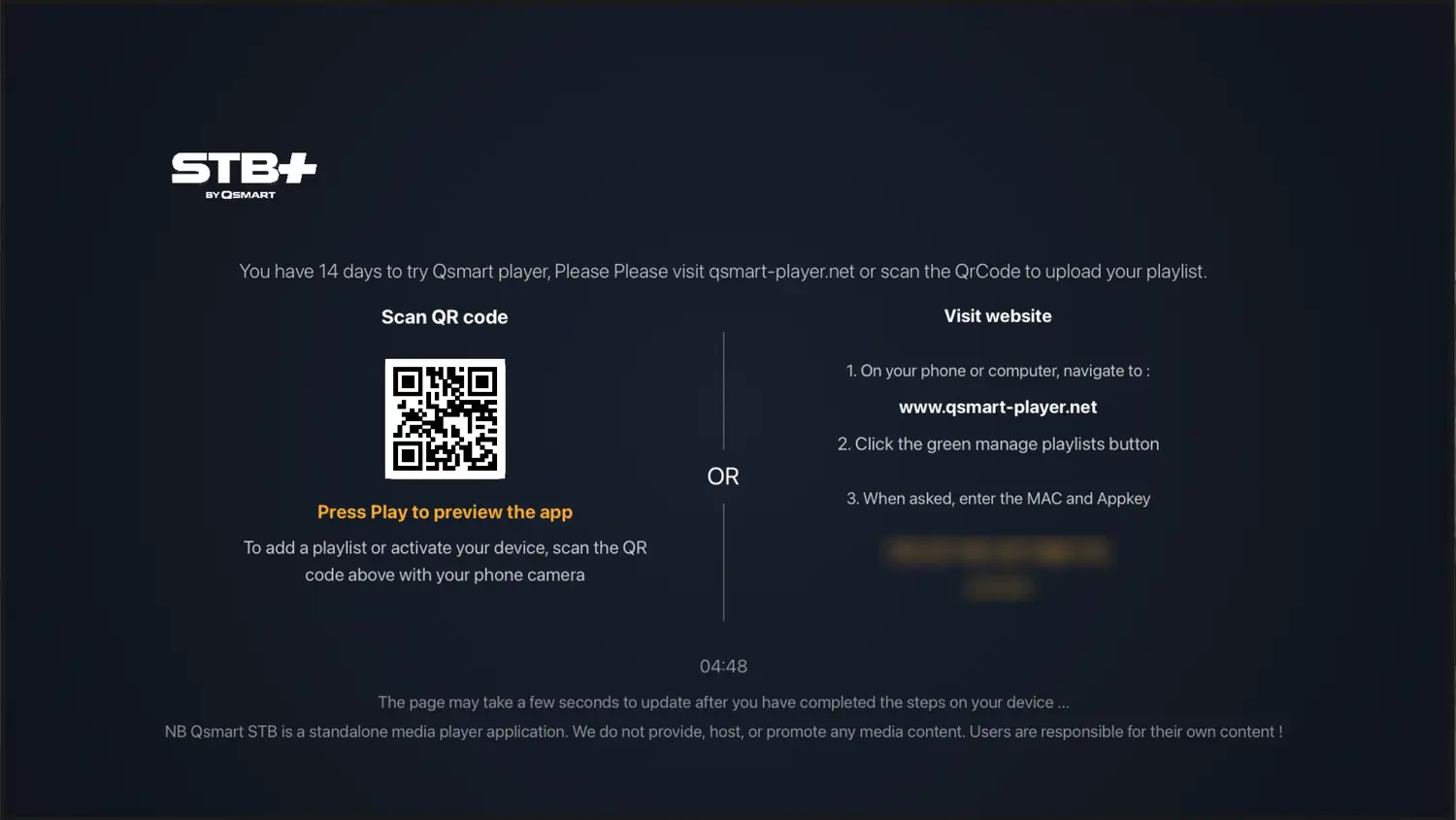
The home screen shows a QR code alongside your device MAC and app key. Your 14-day trial starts right here — no card, no sign-up.
Scan it, tap it, or type it
On a phone or tablet — iPhone, iPad, Android phone or any touch device — simply tap the QR code on screen. It opens your playlist manager on that same device. No second phone, nothing to copy out.
On a television — point your phone camera at the code, or enter the MAC and app key here on the website.
Installing on a phone or tablet? You do not need a second device — just tap the QR code inside the app and the playlist manager opens right there.
Add your own portal or playlist
Paste the Stalker portal URL, Xtream credentials or M3U link you already have. It appears on the television automatically — no refresh, no restart, no re-scan. Put the phone down and it is already there.

You have 14 days to try STB+. Visit qsmart-player.net or scan the QR code to upload your playlist.
Scan QR code
Press Play to preview the app
Scan with your phone camera — or on a phone or tablet, just tap the code
Visit website
- 1. On your phone or computer, go to qsmart-player.net
- 2. Click the green manage playlists button
- 3. When asked, enter the MAC and Appkey
STB+ is a standalone media player application. We do not provide, host, or promote any media content. Users are responsible for their own content.
Playlist added. Already showing on your TV — nothing to refresh.
Pay once. Keep it.
You are buying a software licence for the STB+ application — not content, and not a subscription to any service.
Android
- ✓ Lifetime software licence, one device
- ✓ 14-day trial first
- ✓ Unlimited portals & playlists of your own
- ✓ All future updates
Smart TV
- ✓ Lifetime software licence, one device
- ✓ 14-day trial first
- ✓ Unlimited portals & playlists of your own
- ✓ Priority email support
All payments processed via Stripe are for software licensing only. No payment made to STB+ or QSMART LLC buys access to any channel, stream or media service.
Before you start
Do you provide channels, playlists or content?
No. STB+ is a standalone media player application. We do not provide, host, or promote any media content. The app arrives empty — you supply a portal or playlist from a provider you already use, and you are responsible for your own streams.
Is qsmart-player.net your only website?
Yes. qsmart-player.net is the only site we operate — the only place to get STB+, buy a licence or manage playlists. Any other site using our name, copying our design, or selling content, channels or subscriptions as STB+ or QSmart is fraudulent and has nothing to do with us. Licences bought elsewhere are not valid and we cannot refund them. Always check the address bar reads exactly qsmart-player.net.
Can you help me find channels or a provider?
No. We have no relationship with any content provider and cannot recommend, endorse or link to one. Support can only help with the STB+ application itself.
What exactly am I paying for?
A one-time software licence for the STB+ application on one device. All payments processed via Stripe are for software licensing only — they buy no content or service access of any kind.
What is a Stalker portal, and do you support MAG?
Stalker is the portal system many providers run for MAG set-top boxes. STB+ emulates a MAG box, so you enter the portal URL your provider gave you and it connects using your device MAC — no physical box required.
I'm installing on a phone or tablet — do I need a second device?
No. On iPhone, iPad, Android phones and tablets, and any touch device, tap the QR code shown in the app and your playlist manager opens directly on that device. Add your portal or playlist there and it syncs straight back — no second phone, no typing codes across.
Which devices are supported?
Televisions and boxes: Samsung Tizen, LG webOS, Vidaa, Android TV and Amazon Fire TV. Mobile: Android phones and tablets. Apple TV, iPhone and iPad builds are in development and not available yet. One licence covers one device.
Is the licence really one-time?
Yes. Pay once for a device and it stays activated, including every future update. Nothing renews.
Can I move a licence to a new TV?
Licences are tied to the device MAC. You can move one yourself from Manage playlists: sign in with the MAC and app key from your old device and use Change MAC. A licence can move once every 30 days, and only between devices of the same type — an Android licence cannot move to a Samsung or LG television.
What happens when the trial ends?
The app stops loading portals and playlists until you activate. Everything you saved stays exactly where it is.
Try it on your own TV
Install, open it once, scan the code. Fourteen days, no card. Bring your own portal or playlist — STB+ supplies the player, you supply the content.